![Knowledge Centerx2-1.png]](https://knowledge.buzzbid.com/hs-fs/hubfs/Knowledge%20Centerx2-1.png?height=50&name=Knowledge%20Centerx2-1.png)
Use this procedure when the BuzzBID updater says a database is still in use even though the listed users have closed BuzzBID. Example Message: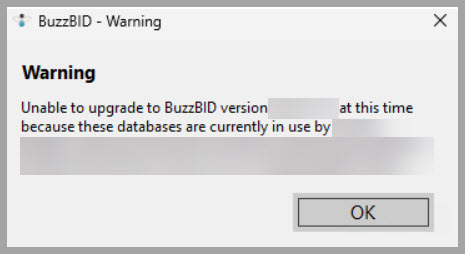
This process clears BuzzBID application-level connection records. It does not delete SQL Server logins or database security users.
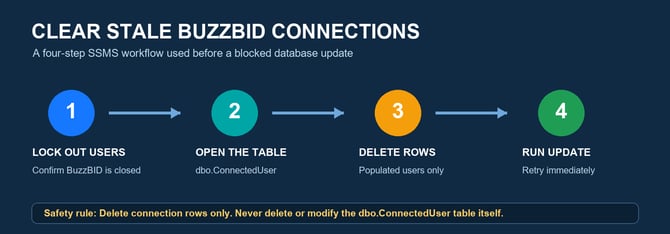
Use this process only when all of the following are true:
- A BuzzBID database update is blocked because the database is reported as currently in use.
- The update lists one or more BuzzBID users.
- The customer confirms those users are no longer working in BuzzBID.
- Users are locked out or otherwise prevented from reconnecting during the update.
- You have appropriate SSMS access to the affected database.
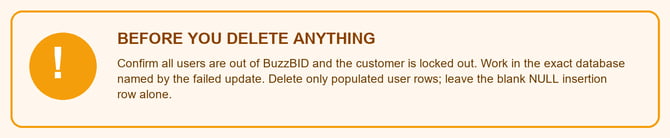
Confirm BuzzBID is closed and users are locked out
- Confirm everyone has completely closed BuzzBID.
- Close any BuzzBID sessions running on the server.
- Stop or pause anything that could immediately reopen BuzzBID.
- Confirm the exact database or databases named by the updater.
Do not continue while people may still be actively working in the database.
Select the affected database in SSMS
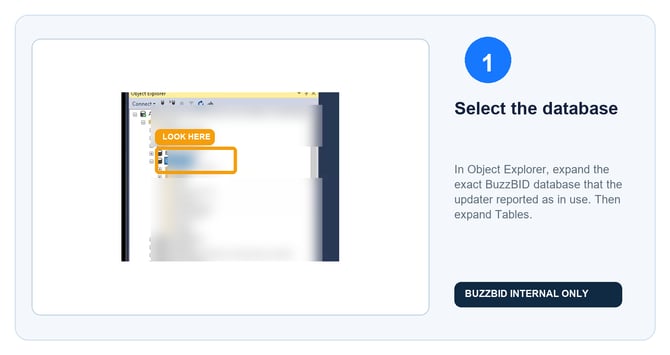
Open SQL Server Management Studio and connect to the customer's SQL Server. In Object Explorer, expand Databases, expand the exact database named by the failed update, and then expand Tables.
Locate dbo.ConnectedUser
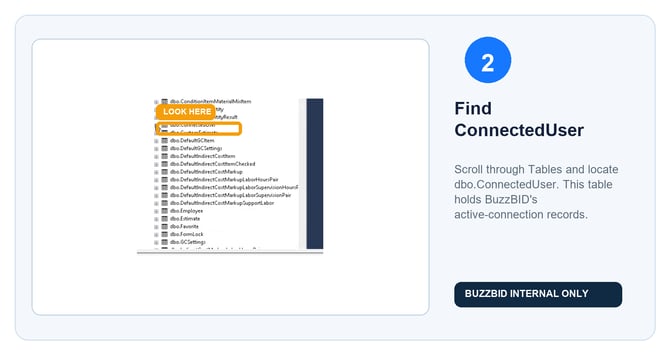
Under Tables, locate dbo.ConnectedUser. The table name is singular.
Open the connection rows
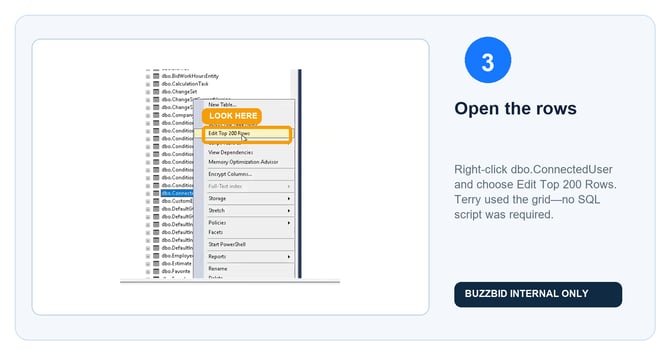
Right-click dbo.ConnectedUser, then select Edit Top 200 Rows. No SQL script is required.
Delete only the populated user rows
The grid may show one or more populated user rows plus a blank insertion row containing NULL values.
- Select each populated row using its row header at the far left.
- Multiple populated rows may be selected together.
- Right-click the selected row or rows.
- Select Delete.
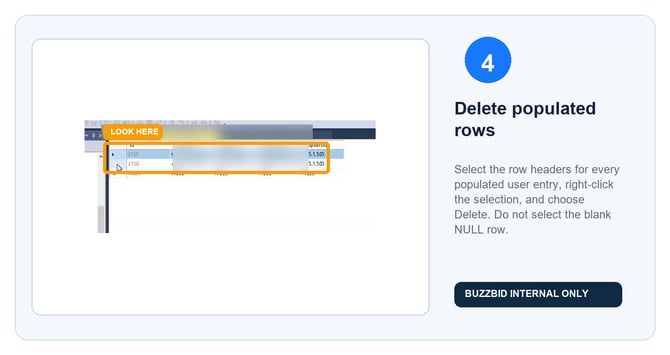
Do not select or delete the blank NULL insertion row. Do not delete or modify the dbo.ConnectedUser table.
Verify the table and run the update immediately
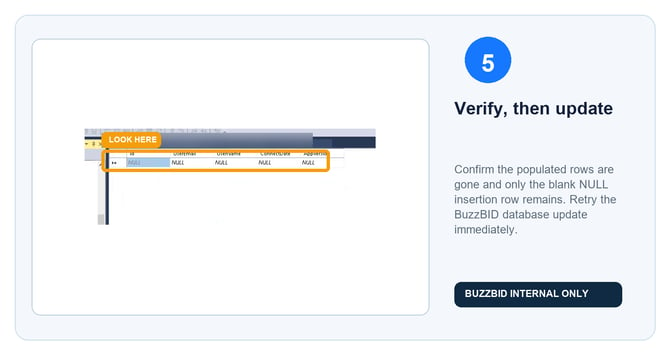
Confirm the populated connection rows are gone. The grid should show only the blank NULL insertion row.
Run the BuzzBID database update immediately, before anyone reopens BuzzBID. In the recorded case, the update completed successfully after the populated rows were deleted.
If several databases were identified, repeat the process only for each affected database and update them one at a time.
If the update is still blocked
- Confirm you edited the exact database named in the update error.
- Refresh or reopen Edit Top 200 Rows and check for newly populated connection rows.
- Confirm no user, server session, or background process reopened BuzzBID.
- Repeat the process for any additional database named by the updater.
- Escalate to a BuzzBID SQL engineer if rows immediately reappear or the update still fails after the table remains clear.
What not to do
- Do not delete SQL Server logins or database security users.
- Do not delete, rename, or redesign dbo.ConnectedUser.
- Do not delete the blank
NULLinsertion row. - Do not remove rows from unrelated tables.
- Do not rely on restarting SQL Server or the entire server as the primary fix. That did not clear the recorded issue.
- Do not let users reopen BuzzBID until the database update is finished.
Quick checklist
- ☐ Everyone is out of BuzzBID.
- ☐ Reconnection is blocked during the update.
- ☐ The exact affected database is selected.
- ☐ Tables → dbo.ConnectedUser → Edit Top 200 Rows is open.
- ☐ Only populated user rows were deleted.
- ☐ The blank NULL row remains.
- ☐ The update was retried immediately.
- ☐ Each additional affected database was handled separately.
Additional Alternative:
You can also use SQL Statements to check for active connections to the database by running the command below:
SELECT * FROM ConnectedUser;
After identifying the active connections, run the command below to kill those connections:
DELETE FROM ConnectedUser WHERE UserEmail='xxxx@xxxxx'